You haven't signed in yet, you can have a better experience after signing in
*Please complete the payment within {{receiveCouponInfo.expire_at}}Previous use*
You haven't signed in yet, you can have a better experience after signing in
 VanDyke SecureFX Secure File Transfer Tool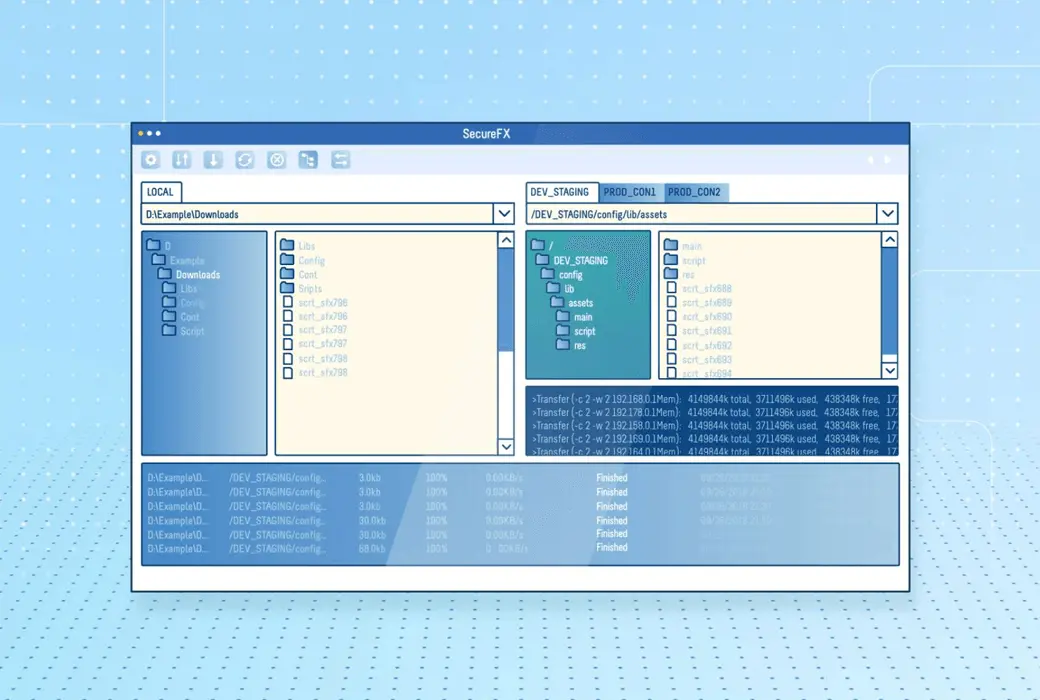


Activity Rules
1、Activity time:{{ info.groupon.start_at }} ~ {{ info.groupon.end_at }}。
1、Activity time:cease when sold out。
2、Validity period of the Group Buying:{{ info.groupon.expire_days * 24 }} hours。
3、Number of Group Buying:{{ info.groupon.need_count }}x。
Please Pay Attention
1、Teamwork process: Join/initiate a Group Buying and make a successful payment - Within the validity period, the number of team members meets the activity requirements - Group Buying succeeded!
2、If the number of participants cannot be met within the valid period, the group will fail, and the paid amount will be refunded in the original way.
3、The number of people required and the time of the event may vary among different products. Please pay attention to the rules of the event.
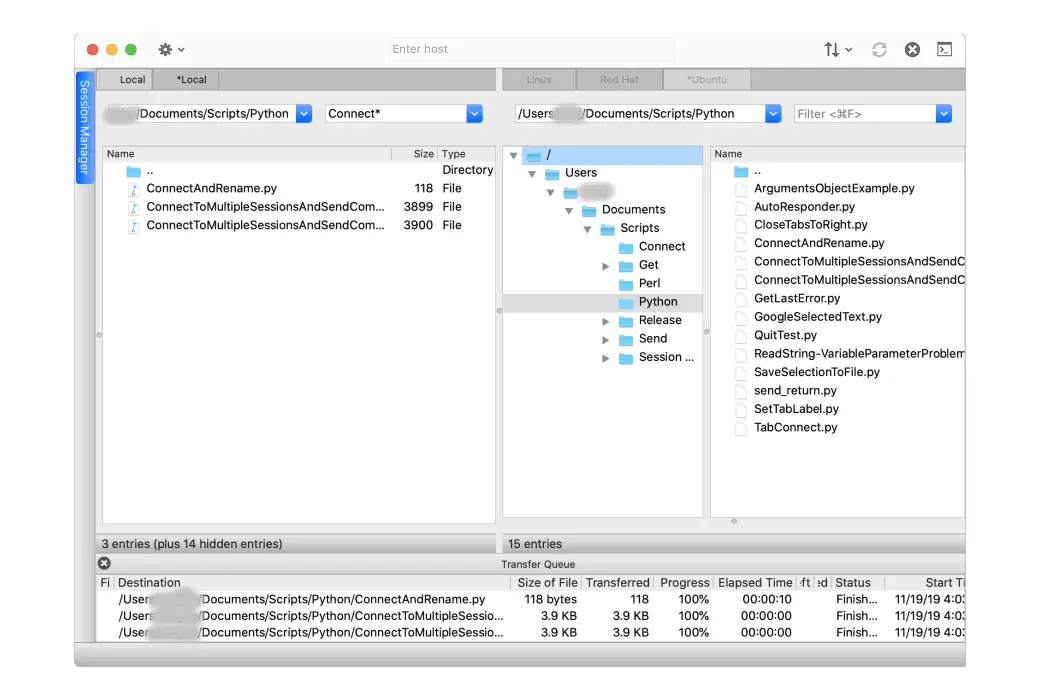
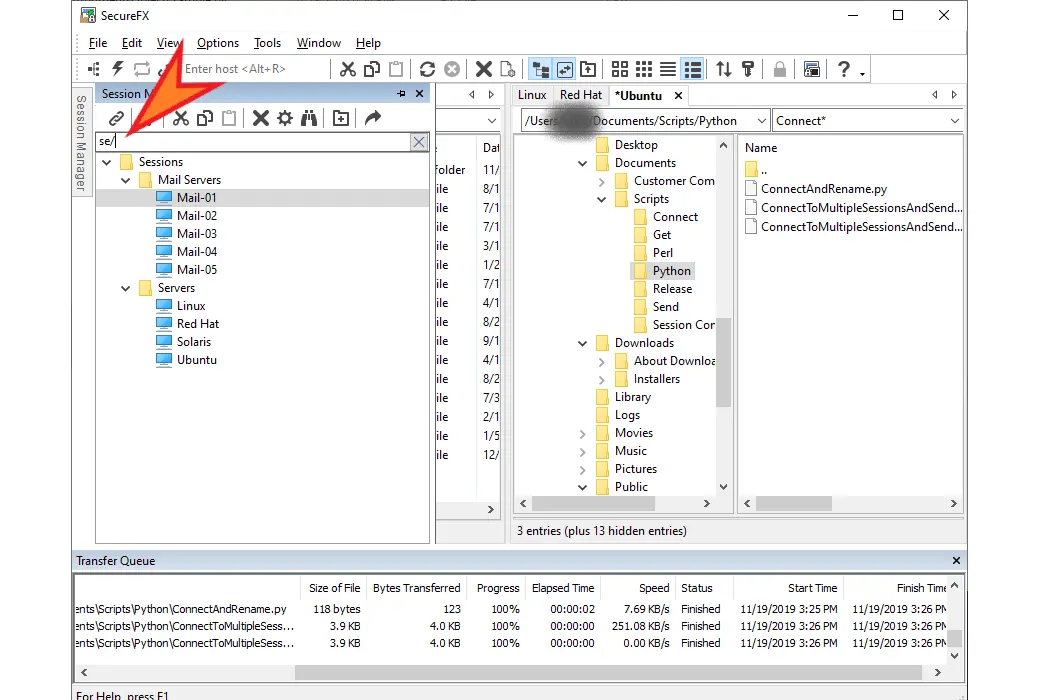
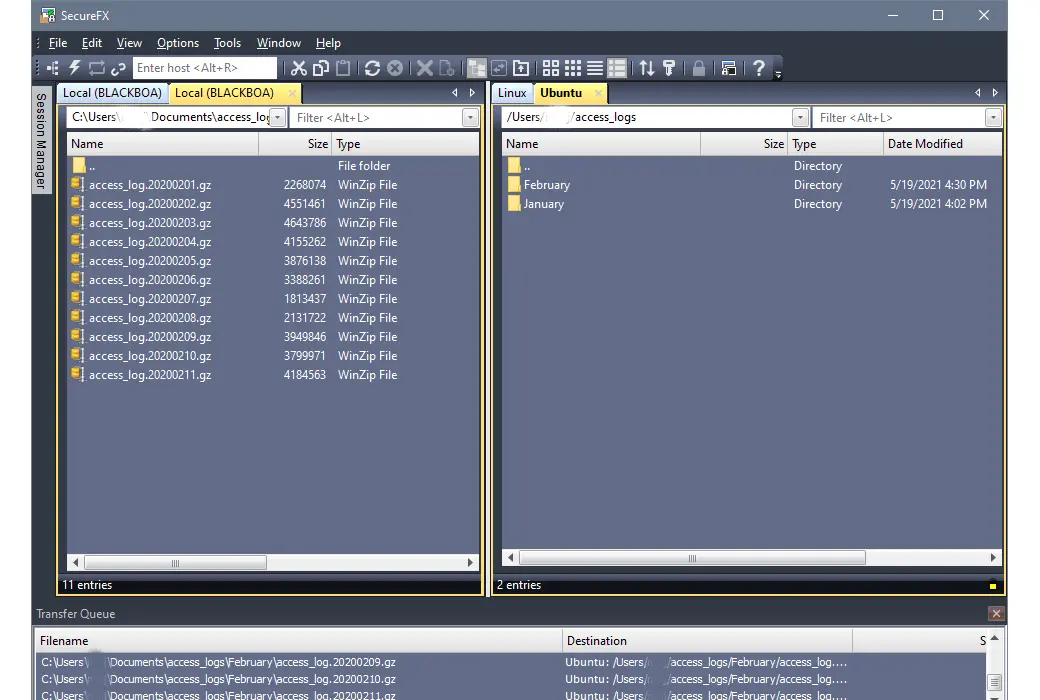
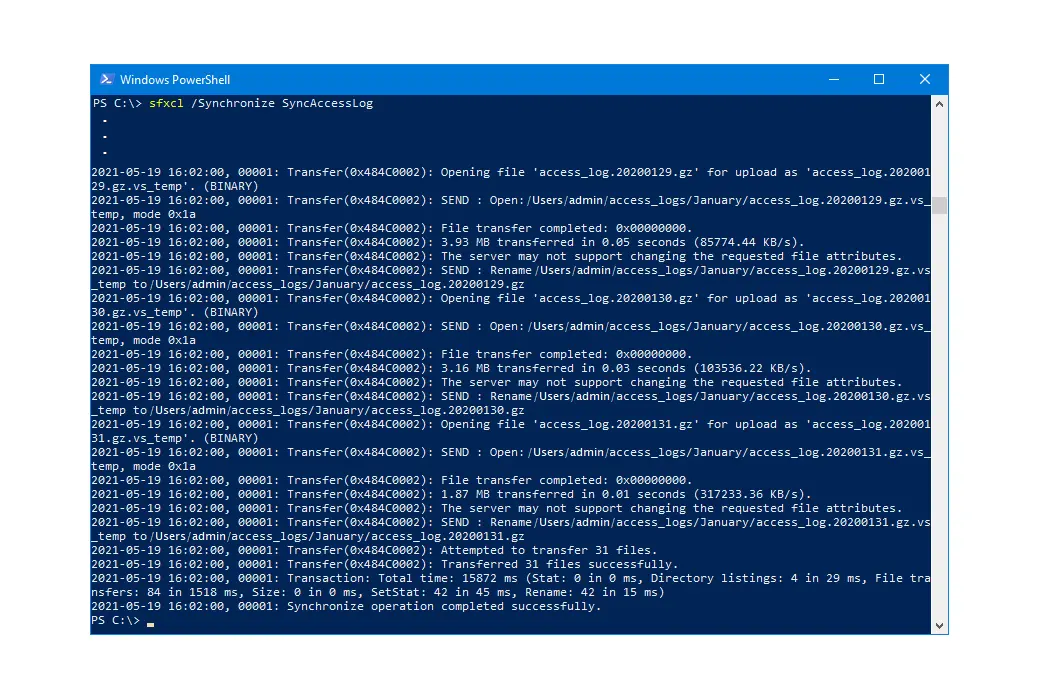
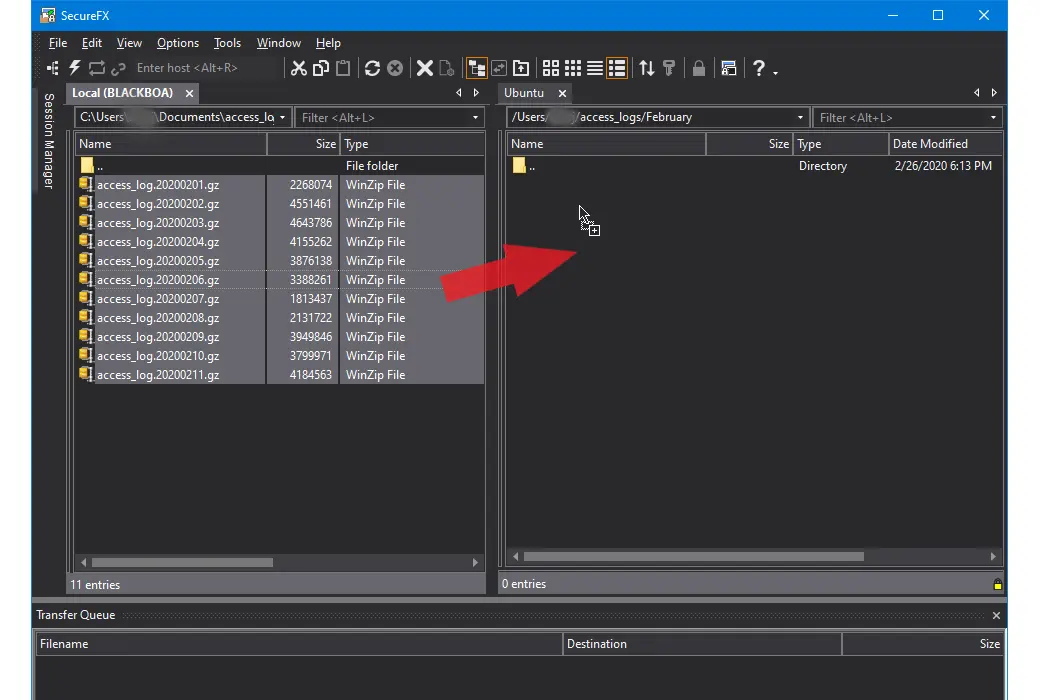
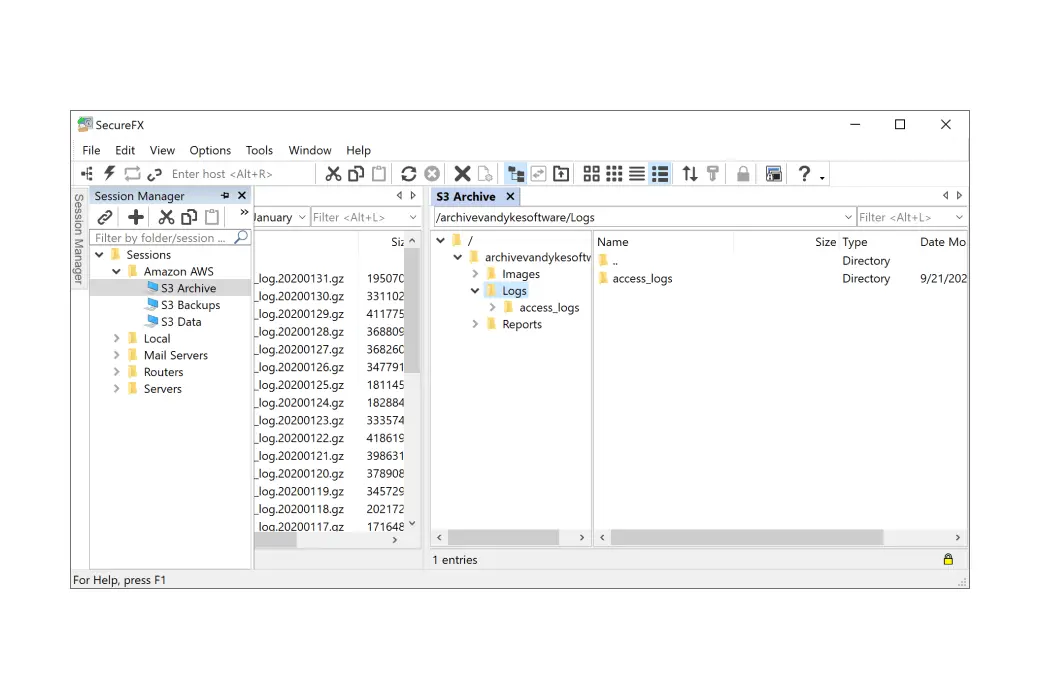
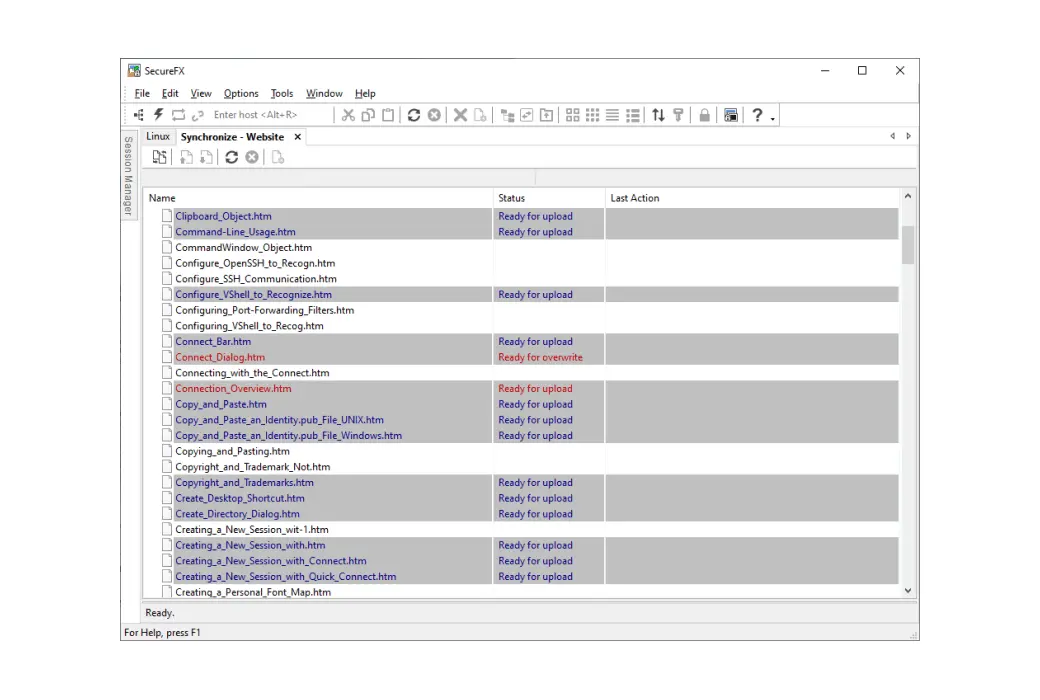
SecureFX is a secure file transfer application with a simple and easy-to-learn visual interface. SecureFX provides advanced features like website synchronization and automation to help web designers and network administrators simplify their daily tasks.
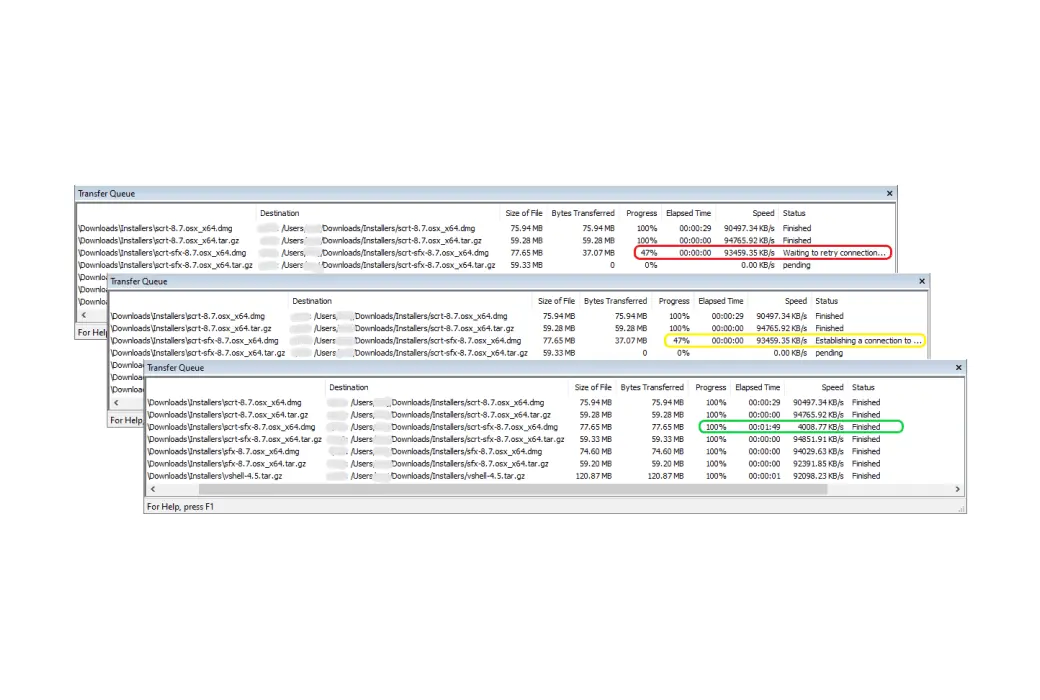
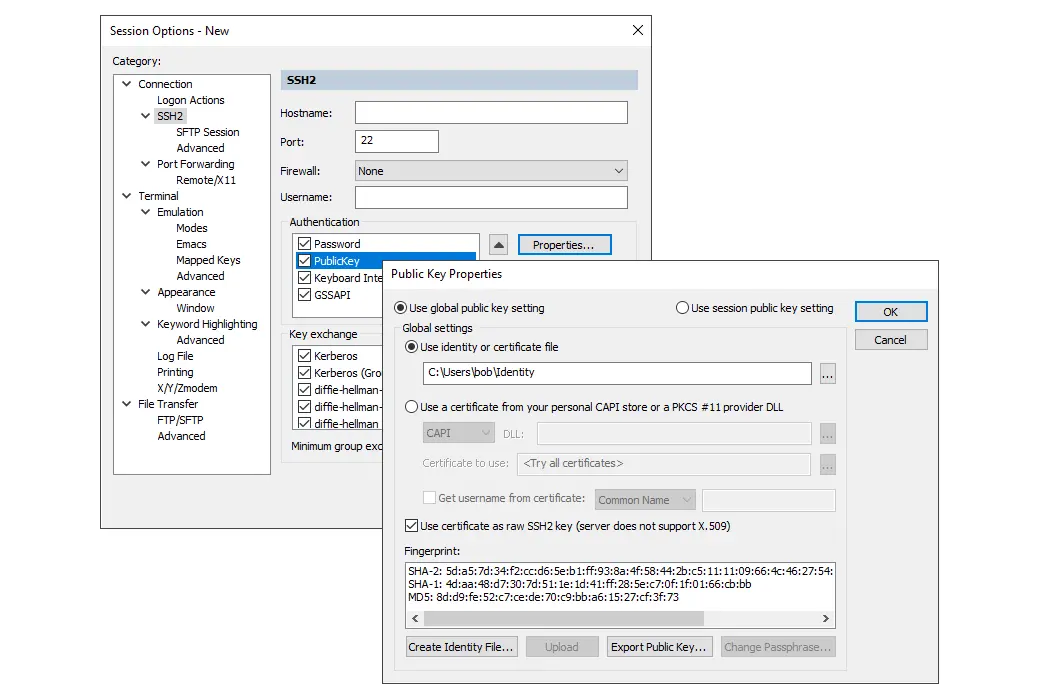
SecureFX meets your evolving file transfer needs through one application, which allows you to choose between SFTP or FTPS (FTP/TLS) for secure transfers, or standard FTP for non-secure transfers. It features a simple Explorer-like interface, making it easy to learn and use, while providing powerful automation capabilities for unattended secure file transfers.
Main advantages of SecureFX:
Official Website:https://www.vandyke.com/products/securefx/index.html
Download Center:https://securefx.apsgo.cn
Alternate Download: N/A
Shipping Time: Orders are processed manually
Operating Platform: Windows, macOS, Linux
Interface Language: Supports English interface display.
Update Instructions: Permanent use, update and upgrade as authorized.
Trial Before Purchase: 30-day free trial.
How to Receive the Product: After purchase, activation information will be sent to the email address used for ordering. You can also view the corresponding product activation code in your personal center, under "My Orders".
Number of Devices: Can be installed on 1 computer.
Changing Computers: Uninstall on the original computer and activate on the new one.
Activation Guide: To be added.
Special Instructions: To be added.
References:https://www.vandyke.com/products/securefx/faq/index.php

Any question